
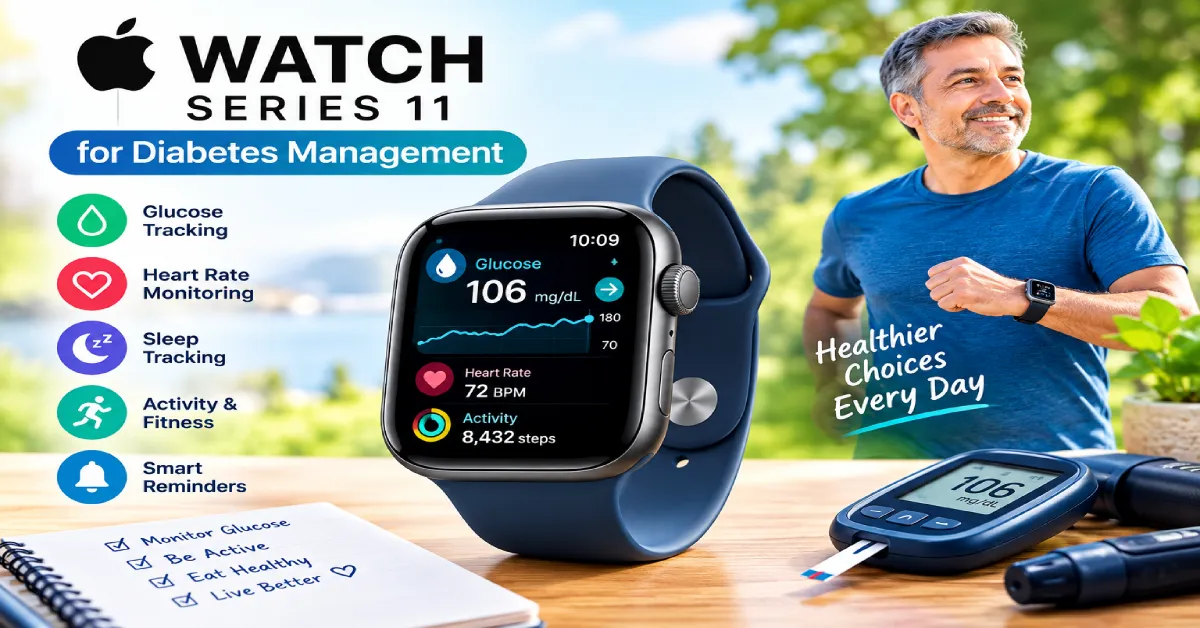
Using the Apple Watch Series 11 for diabetes management provides seniors and adults with a seamless, non-invasive way to keep track of blood sugar trends directly from their wrist. Managing type 1 or type 2 diabetes requires consistent oversight, continuous blood oxygen monitoring, heart health checks, and active glucose tracking. While smartwatches cannot directly measure blood sugar levels on their own, pairing an Apple Watch Series 11 with continuous glucose monitoring (CGM) systems offers real-time glucose readings, hypokalemia or glucose spike alerts, and detailed health analytics without constant finger pricks.
In this detailed guide, we explore how to configure the Apple Watch Series 11 for glucose tracking, evaluate its health monitoring capabilities, and examine why it serves as an effective daily health companion for diabetes management.
How Does Glucose Tracking Work on the Apple Watch Series 11?
A common misconception is that smartwatches can independently read blood sugar levels through optical skin sensors. While research into non-invasive optical glucose sensors continues, current technology relies on medical-grade Continuous Glucose Monitors (CGMs).
The Apple Watch Series 11 acts as a central hub for medical CGMs like Dexcom G7, Dexcom G6, and FreeStyle Libre 3. The CGM sensor, worn on the arm or abdomen, sends real-time interstitial fluid glucose data wirelessly via Bluetooth.
Key Benefits of Wrist-Based Tracking:
- Immediate Glanceability: Check current blood sugar numbers, trend arrows, and historical graphs by glancing at your wrist.
- Custom Alerts: Receive high and low glucose warnings via subtle haptic wrist vibrations, helping prevent severe hypoglycemia or hyperglycemia.
- Health Integration: Sync glucose data automatically with Apple Health to share trends with primary care physicians and endocrinologists.
Top Apple Watch Series 11 Features for Diabetes Care
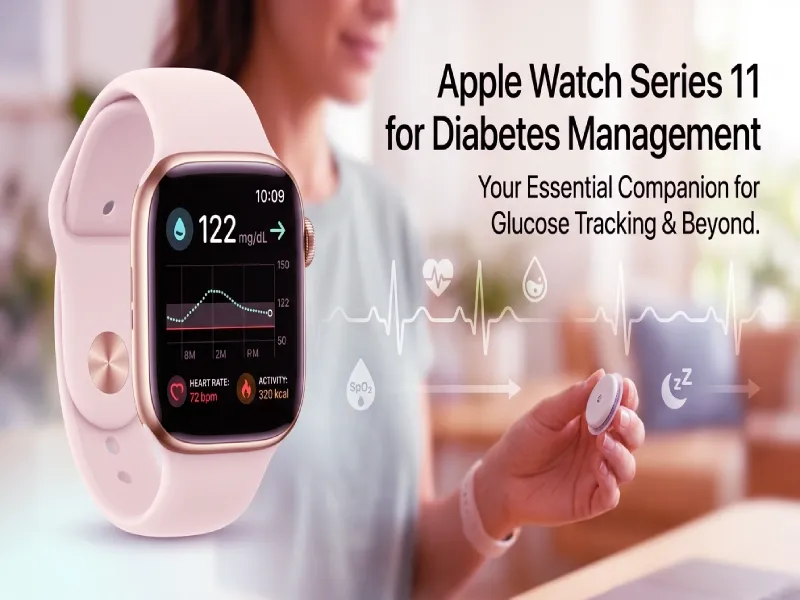
Beyond acting as a display for continuous glucose monitors, the Apple Watch Series 11 packs comprehensive health-monitoring features designed for cardiovascular and metabolic tracking:
1. Always-On Retina Display
The Series 11 features an upgraded Always-On display with enhanced brightness and crisp contrast. Seniors can customize their watch face with custom “Complications” (widgets) to display current CGM glucose numbers continuously without touching the screen.
2. Advanced ECG & Heart Health Tracking
Cardiovascular health is deeply linked to long-term diabetes care. The built-in ECG app and optical heart rate sensor detect irregular heart rhythms (such as Atrial Fibrillation) and notify users of unusually high or low resting heart rates.
3. Fall Detection & Emergency SOS
For older adults managing diabetes, sudden drops in blood sugar can cause dizziness or disorientation. Fall Detection automatically identifies hard falls and initiates an Emergency SOS call with your location to emergency services and designated family caregivers if you remain unresponsive for one minute.
Step-by-Step: Setting Up CGM Glucose Tracking on Apple Watch
Setting up blood sugar monitoring on your wrist requires just a few minutes during initial device pairing:
- Install Your CGM App: Download the official app for your sensor (e.g., Dexcom G7 or FreeStyle Libre 3) on your paired iPhone.
- Enable Apple Watch Integration: Open the companion watch app on your iPhone and toggle “Show App on Apple Watch” to ON.
- Customize Your Watch Face: Long-press your Apple Watch screen, select Edit, choose a complication slot, and select your CGM provider from the list to display live glucose numbers.
- Configure Haptic Alerts: Adjust vibration feedback in settings to ensure high/low blood sugar alerts are felt clearly during sleep or daily activities, following safety protocols recommended by the Mayo Clinic.
Apple Watch Series 11 vs. Dedicated Medical CGMs vs. Smart Rings
To help you understand how different health monitoring options compare, here is a detailed breakdown:
| Feature / Metric | Apple Watch Series 11 | Standalone CGM Sensor | Smart Ring (e.g., RingConn Gen 2) |
| Primary Purpose | Complete Health & Glucose Display | Direct Glucose Measurement | Sleep & SpO2 Health Tracking |
| Direct Blood Sugar Reading | No (Requires CGM Sync) | Yes (Interstitial Fluid) | No (No Glucose Monitoring) |
| Screen Display | Always-On Color Touchscreen | Mobile App Display | No Built-In Screen |
| Heart Rate & ECG | Continuous HR & ECG App | No ECG Capabilities | Continuous HR & HRV |
| Emergency Fall Detection | Built-In Emergency SOS | No Fall Detection | No Fall Detection |
| Battery Life | 18–36 Hours | 10–14 Days (Sensor Life) | Up to 10–12 Days |
| Monthly Subscription | $0 (App Sync) | Variable (Sensor Costs) | $0 |
Pros and Cons of Apple Watch Series 11 for Diabetes Care
Pros:
- Immediate Alerts: Real-time haptic vibrations for high or low blood sugar levels.
- Comprehensive Metrics: Tracks step counts, heart health, blood oxygen, and sleep metrics in one place.
- Caregiver Peace of Mind: Fall detection and emergency notifications protect seniors during sudden low-sugar episodes.
- Extensive Ecosystem: Integrates seamlessly with Apple Health, Dexcom, Nightscout, and Sugarmate apps.
Cons:
- Requires Separate CGM: Cannot measure glucose independently without a third-party sensor.
- Daily Charging Required: Battery life requires daily charging, unlike multi-day fitness bands or smart rings.
- Initial Hardware Cost: High entry price point for the smartwatch hardware.
Is the Apple Watch Series 11 Right for Your Diabetes Management Routine?
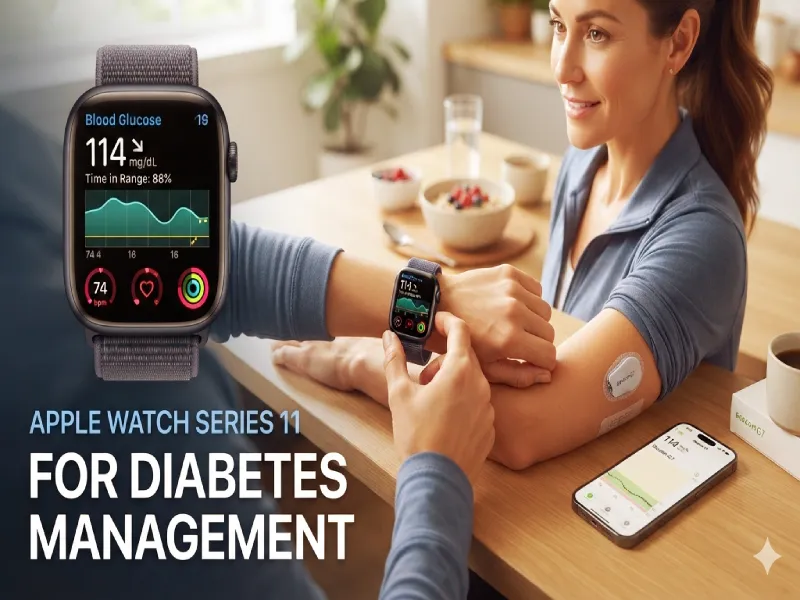
The Apple Watch Series 11 is an exceptional health management tool for seniors and individuals seeking better control over their metabolic health. By bringing real-time CGM glucose numbers, heart monitoring, and emergency fall detection directly to your wrist, it simplifies daily care and offers peace of mind. For those using traditional meters alongside smart wearables, maintaining consistent testing supplies is equally vital; learn more in our detailed guide on Freestyle Precision Neo Blood Glucose Test Strips: Compatibility, Accuracy & Buying Guide. Pairing this smartwatch with proper diet, exercise, and medical guidance creates a robust foundation for long-term health.
Frequently Asked Questions (FAQ)
Ans. No, the Apple Watch Series 11 cannot measure blood sugar directly or non-invasively on its own. It displays real-time glucose data transferred wirelessly via Bluetooth from compatible Continuous Glucose Monitors (CGMs) like Dexcom G7 or FreeStyle Libre.
Ans. Major FDA-cleared CGM systems, including Dexcom G6, Dexcom G7, and FreeStyle Libre 3, feature direct or app-based integration with Apple Watch. Third-party diabetes management apps such as Sugarmate and Nightscout also sync reliably.
Ans. Severe hypoglycemia (low blood sugar) can cause sudden weakness, dizziness, or loss of consciousness. If a fall occurs, the Apple Watch Series 11 detects the impact, sounds an alarm, and automatically contacts emergency services and emergency contacts if the user is unresponsive.
Conclusion: Is the Apple Watch Series 11 Worth It for Diabetes Care?
The Apple Watch Series 11 offers a modern, accessible way for seniors and health-conscious adults to stay connected to their daily metabolic metrics. While it cannot directly monitor blood sugar without an external Continuous Glucose Monitor (CGM) like Dexcom or FreeStyle Libre, its seamless Bluetooth integration, instant haptic wrist alerts, and Always-On display make managing diabetes simpler than ever. If you prefer a more discreet or subscription-free wearable option instead of a smartwatch, explore our round-up of the 5 Best Smart Rings for Diabetics in 2026 [Blood Sugar & Health Tracker Reviews].
Combined with vital emergency features like Fall Detection and heart health tracking (ECG), the Series 11 provides total peace of mind for both users and caregivers. If you already use or plan to adopt a CGM sensor, pairing it with the Apple Watch Series 11 creates a powerful wrist-based system for proactive health management, supported by guidelines from trusted organizations like the American Diabetes Association.